Is a Cricut Explore Worth It for Beginners? An Honest Long-Term Review

There are a handful of crafting machines that genuinely earn their place on a desk rather than ending up shoved in a cupboard, and the Cricut Explore is one of them. My original Cricut Explore Air 2 has been quietly working away in my craft space for years now, and in that time I've used it for everything from personalised labels to vinyl wall decals to cards I genuinely couldn't have made by hand without losing my mind in the process.
Given how much I get asked whether a Cricut is actually worth the money, particularly by people who aren't sure they'll use it enough to justify the cost, I thought it was time to put a properly honest answer down on paper. The Explore range has been refreshed since I bought mine, and the latest model has come down in price while keeping all the features that matter. So whether you're weighing up the older Air 2 second-hand, or eyeing up the newest version on the Cricut website, this is what I wish I'd known before I bought mine.
This post contains affiliate links, which means I may earn a small commission at no extra cost to you. All opinions are honest and based on years of personal use.
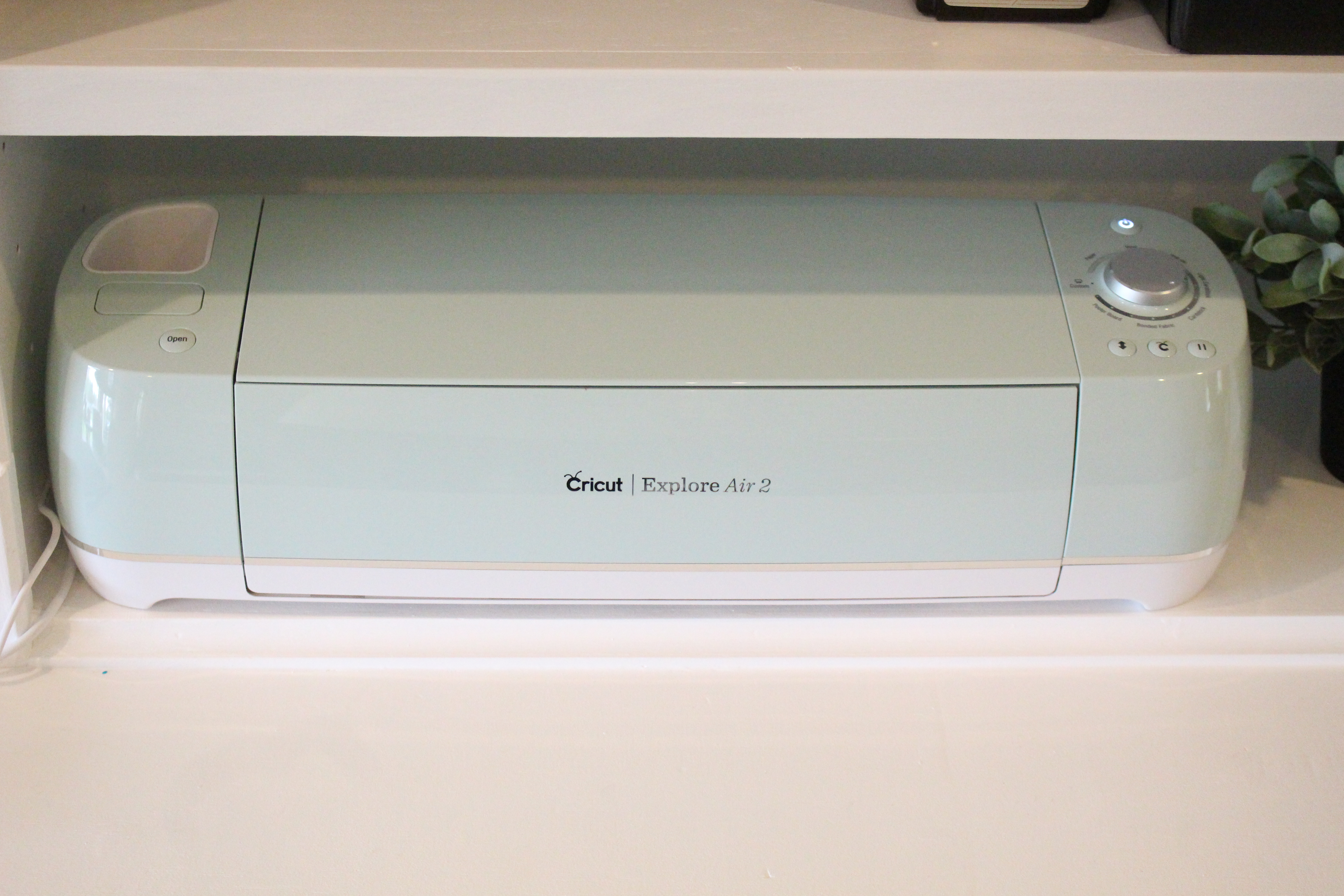
What a Cricut Explore Actually Does
For anyone who hasn't fallen down the Cricut rabbit hole yet, here's the short version. A Cricut Explore is a desktop cutting machine that connects to your laptop or phone via Bluetooth, and uses a small precision blade to cut shapes, letters and intricate designs out of more than a hundred different materials. Vinyl, iron-on transfer, cardstock, sticker paper, fabric, leather, even thin balsa wood. You design the file in Cricut's free software, send it to the machine, and watch it cut whatever you've drawn with a level of precision that no scissors, scalpel or steady hand could match.
The Explore can also write and draw, so if you've ever admired the kind of beautifully hand-lettered place cards that appear on Pinterest at this time of year, the machine will essentially do the calligraphy for you. Pop a Cricut pen into the holder, load some cardstock, and it draws the design before cutting around it. It's the closest thing to outsourcing your own handwriting that I've ever come across.
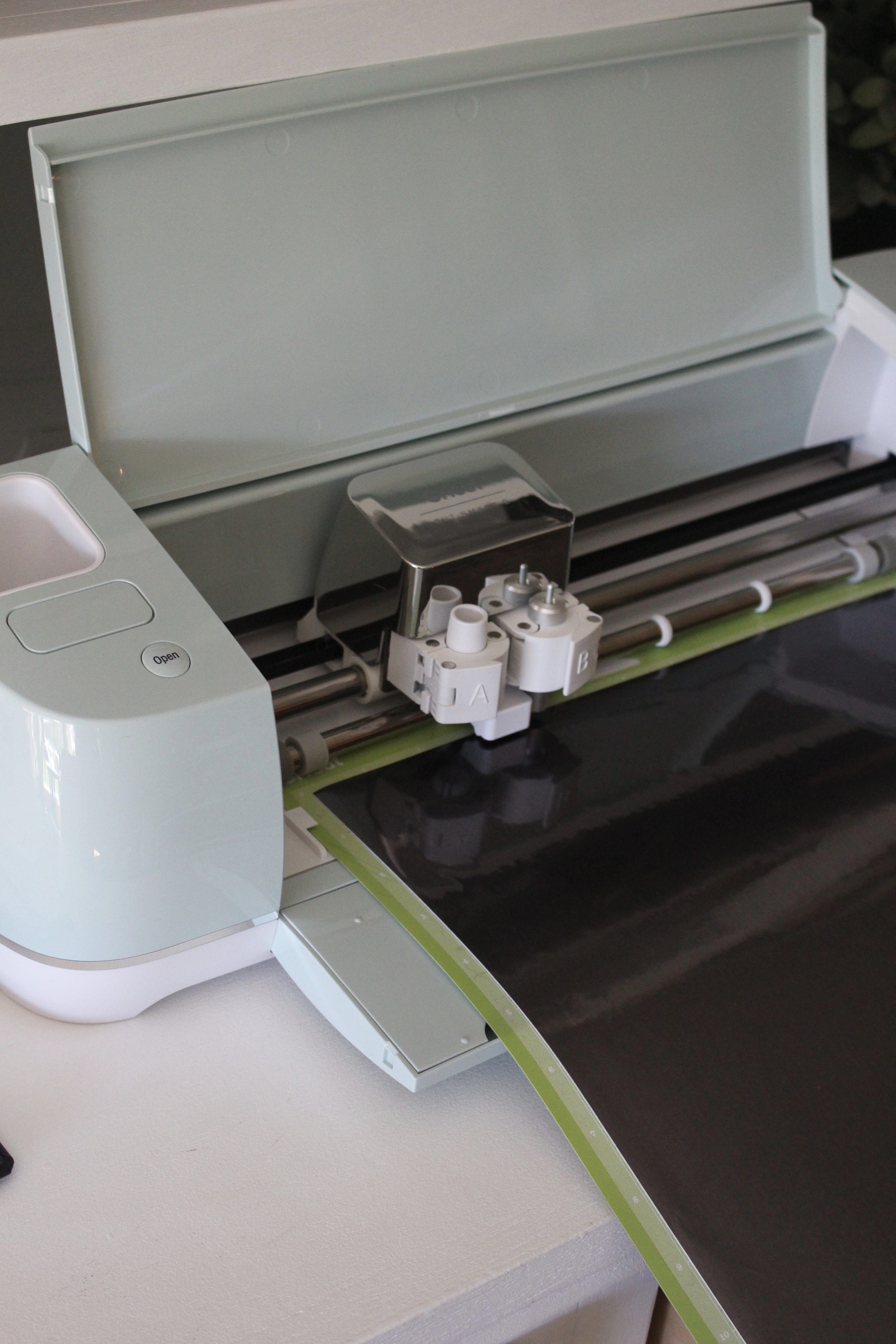
Who the Cricut Explore Is Actually For
This is the bit I think gets glossed over in most reviews, so I want to be specific. The Explore is the right machine for you if you fall into one of these camps.
You're a complete beginner who wants to start crafting properly, but doesn't want to commit to the more expensive Cricut Maker until you know whether you'll use it. The Explore handles the vast majority of projects most home crafters ever attempt, and it costs significantly less.
You make cards, gifts, and personalised home bits regularly, and you're tired of the hand-cut versions never quite looking how you imagined them in your head. The precision genuinely is the selling point. A monogram cut from heat transfer vinyl on a tea towel looks like something you bought from a small homeware brand, not something you cobbled together at the kitchen table.
You're a parent who finds yourself making things for parties, school projects, or seasonal decor, and you want them to look genuinely good rather than charmingly homemade. I've made banners, labels for party bags, vinyl decals for biscuit tins, and personalised water bottles that have all looked properly finished.
You sell or want to sell small handmade items, even on a casual basis. The Explore is more than capable of supporting a side hustle making personalised gifts, stationery, or wedding stationery, particularly the kind of thing that does well on Etsy or at local craft markets.
Where it isn't the right fit: if you specifically need to cut thicker materials like leather, basswood, or thick chipboard for furniture-style projects. That's where the Cricut Maker comes in, with its rotary blade and stronger cutting force. If you know that's the kind of crafting you want to do, skip the Explore.
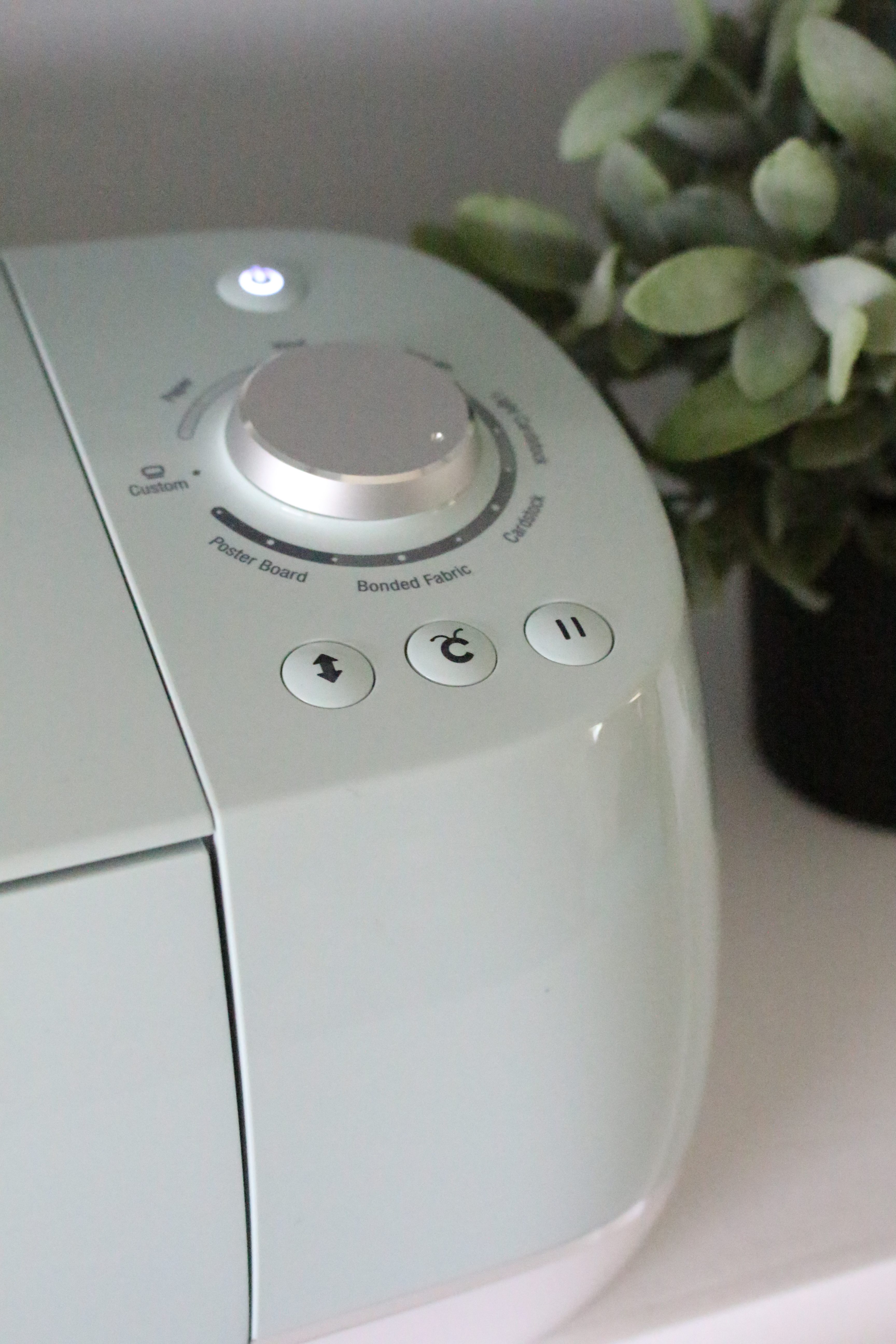
Setting It Up: Honestly the Easiest Bit
Setup was the part I was most nervous about, having had genuinely awful experiences with other crafting machines that required engineering qualifications to assemble. The Cricut was a relief. You plug it in, download the Design Space app on your phone or laptop, follow the on-screen prompts, and you're cutting your first project within about half an hour. There's a guided test cut included so you don't even have to come up with your first design.
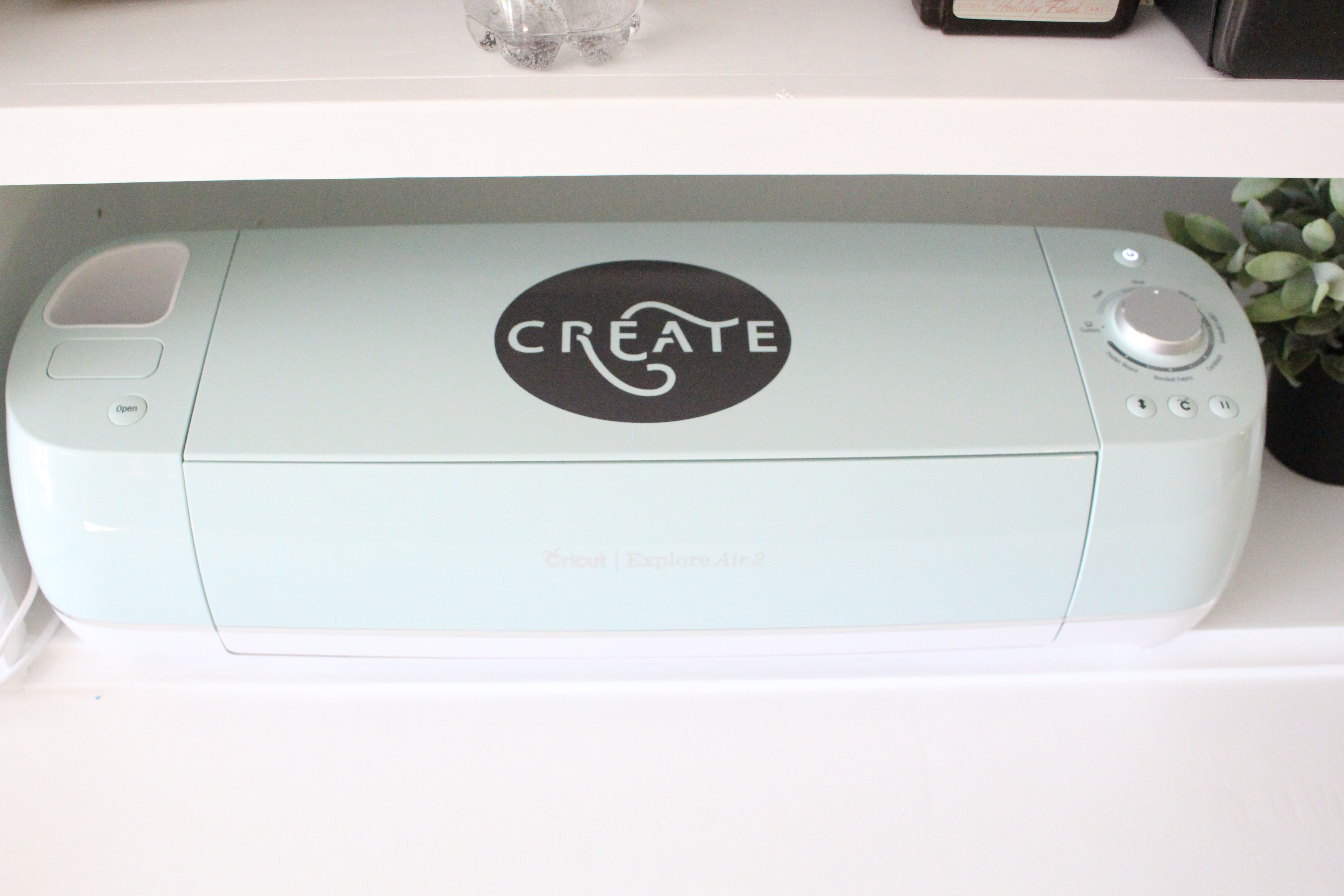
The newer Explore models have made this even simpler. The latest version of the Cricut Explore is around 30% smaller than the older models, has a tidier interface, and includes a snap-in pen holder that genuinely is a small joy if you've ever wrestled with the older clamp design. Same dependable 12-inch cutting performance, just in a body that takes up noticeably less desk real estate. The footprint matters more than I expected when I first got mine. A cutting machine that lives permanently out on your desk gets used. One that has to be lifted out of a cupboard every time gets used twice.
Design Space: The Thing No One Warns You About
Here's the slightly less glossy bit. Cricut's software, Design Space, is genuinely easy to use, but you do need to be online to use it. There's no offline desktop version. For the first month or so this caught me out occasionally, particularly when I'd sat down to craft on a Sunday evening and the wifi was being temperamental. It's something to be aware of rather than a dealbreaker, but worth knowing.
The free version of Design Space includes a generous library of fonts, images and ready-made projects, easily enough to get going and probably enough to keep you occupied for months. The paid Cricut Access subscription unlocks the full library of over a million images and a thousand fonts, plus newer features like AI design generation. I'd suggest holding off on the subscription until you know how much you're actually crafting. You can always add it later, and the free content really is plenty to start with.
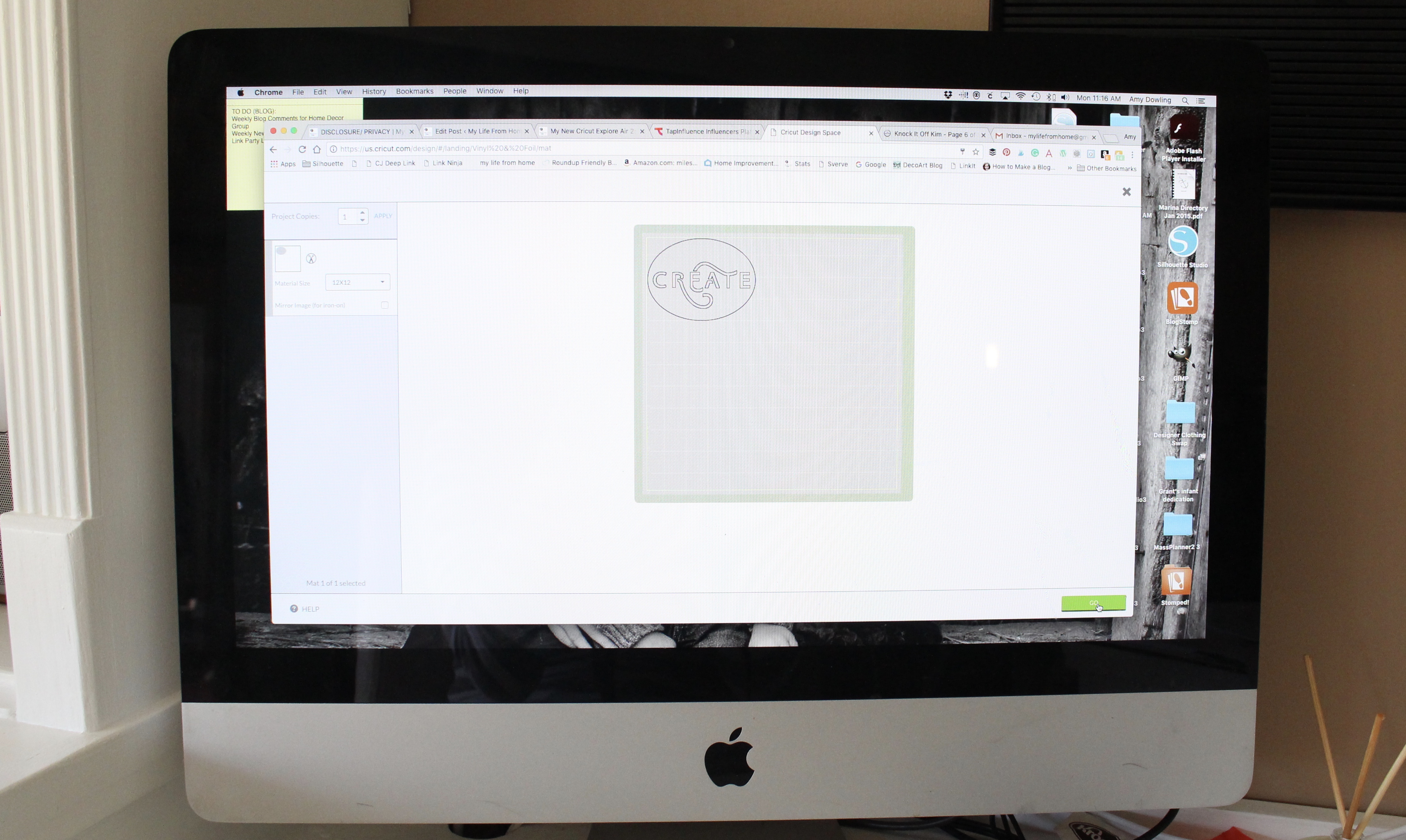
The other thing worth flagging: you can absolutely upload your own designs. SVG files from Etsy, designs you've made in Canva, photos you want to convert to cuttable shapes. This is where the machine genuinely starts paying for itself, because the moment you realise you can buy a £3 SVG of a beautiful seasonal wreath design and cut it out in vinyl in five minutes, the personalised gifting possibilities open up considerably.
What I've Actually Made With Mine
I think reviews are most useful when you can see what's been made over time rather than what was made in the first week. Off the top of my head, here's what mine has done over the years.
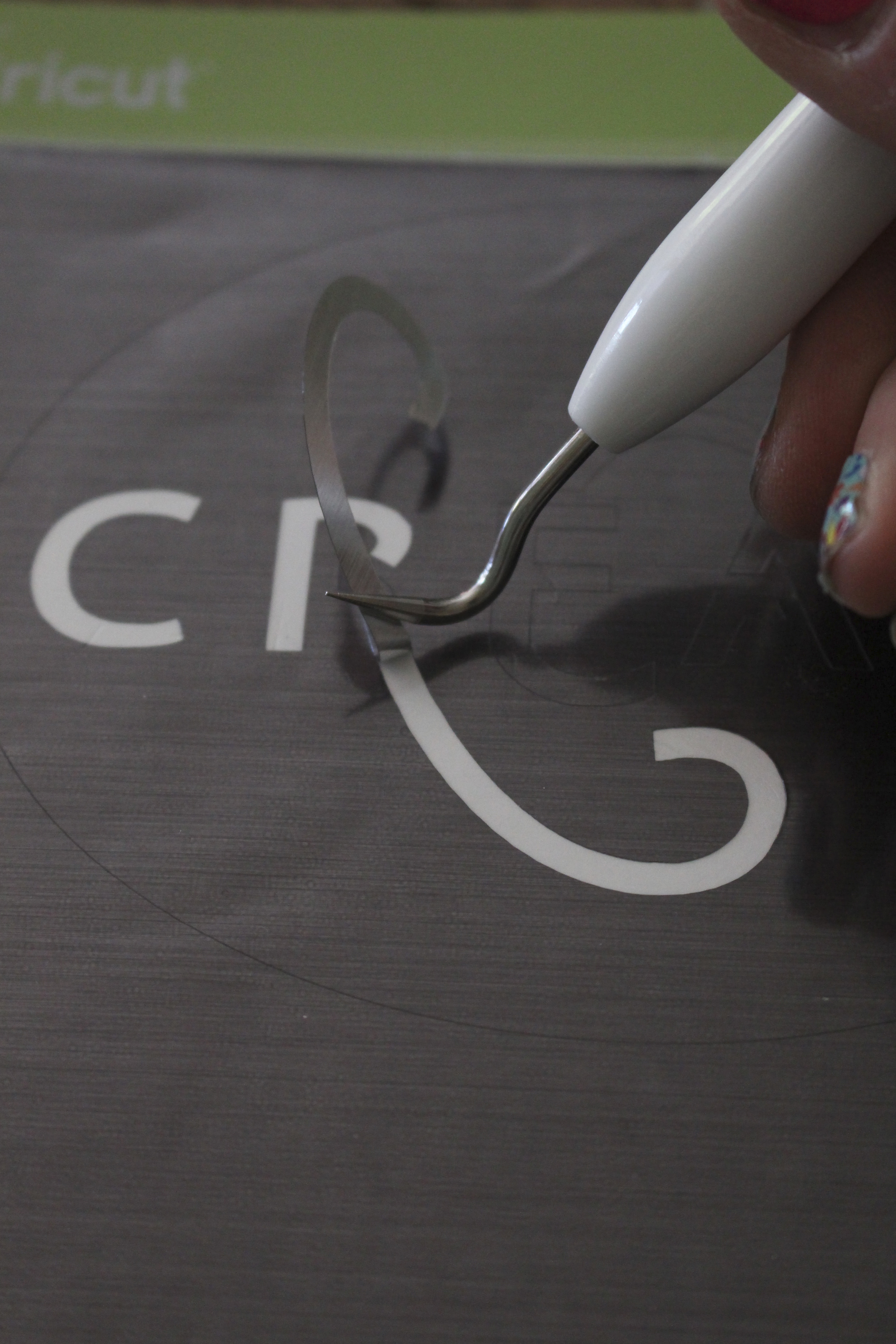
Personalised vinyl labels for the kitchen storage jars, which is a Pinterest cliché but does actually make a kitchen feel calmer. Iron-on designs for tea towels and cushion covers, which make excellent considered gifts when paired with a candle or a small bottle of something. Vinyl decals for the inside of the wardrobes, just because. Cards for birthdays, christenings, and the kind of difficult sympathy moments where shop-bought feels too generic. Banners and bunting for the kids' parties. Window decals at Christmas, which my daughter is now old enough to insist on. Personalised water bottles for the school run. Iron-on patches to repair and decorate denim jackets, which extends the life of clothes I'd otherwise have replaced.
This is, I realise, a long list. That's the point. The machine pays back its cost not in any one project, but in the steady accumulation of small handmade things that would otherwise have been bought, badly wrapped, or skipped entirely.
The Honest Cost Picture
It would be misleading to talk about the Cricut without being honest about the full cost. The machine itself is the headline figure, but the materials add up. Vinyl rolls, transfer tape, cutting mats that need replacing every so often, and pens if you want to write as well as cut. None of it is wildly expensive, and you can absolutely shop around outside the official Cricut materials, which I tend to do for vinyl. But it's worth budgeting an extra £50 or so on top of the machine for a starting kit of bits.
The bundles on the Cricut site are genuinely good value here, because they include the machine plus an assortment of materials and tools to get you through your first few projects. I'd suggest one of those over buying the bare machine if you're starting from scratch.
Cricut Explore vs Cricut Maker: The Quick Answer
If you're hovering between the two, here's the honest take. The Explore is right for the vast majority of crafters. It cuts more than a hundred materials, writes, draws, foils, and scores, and it does all of those things well. The Maker is the one to go for only if you specifically need to cut thicker or harder materials with the rotary blade or knife blade. For everyday paper and vinyl crafting, the Explore is plenty.
There's also the Cricut Joy, which is the smallest and most portable option, but for most people it's a complementary machine rather than a primary one. The cutting area is too small for the bigger projects you'll inevitably want to make.
Is the Cricut Explore Worth It? My Honest Answer
After years of using mine, yes, but with a caveat. The Explore is worth it if you'll use it. That sounds obvious, but it's the question worth being honest with yourself about before you buy. If you craft regularly, make handmade gifts, have school-age children, or have any kind of side business making personalised items, the Explore will earn its place ten times over. If you're buying it on the back of a Pinterest binge with no specific projects in mind, you may end up with an expensive doorstop.
The single thing that has made mine worth it is keeping it out where I can see it. Not in a cupboard, not under the bed, not packed away. Out on the desk, ready to go, with a small box of vinyl beside it. Crafting machines reward visibility.
If you've been considering one, the latest Cricut Explore is the version I'd go for. It's smaller, slightly cheaper than the previous launch model, and keeps everything that made the original Air 2 such a pleasure to use. For more home and lifestyle pieces, you can always browse the rest of the blog.
Leave a Reply
The Sunday Letter
Most Sundays, once the house has gone quiet and it's edging towards nine, a letter goes out. It's the one I'd write to a friend with good taste and not nearly enough time: one thing worth reading, one thing worth buying, and one thing to skip. No noise, no pressure to spend, just the considered version of what I've actually been using, loving, or quietly sending back.
If you like the sort of recommendation that still holds up six months later, leave your email below and I'll write to you on Sunday.



[…] Hi friends, I am back today showing you another fun and easy project that you can do with your Cricut Explore Air 2. If you missed my first post about my new favorite crafting machine, you can catch up HERE. […]
You are going to love the Cricut! You can do pretty much everything with it!
I can’t wait to really get going with it!